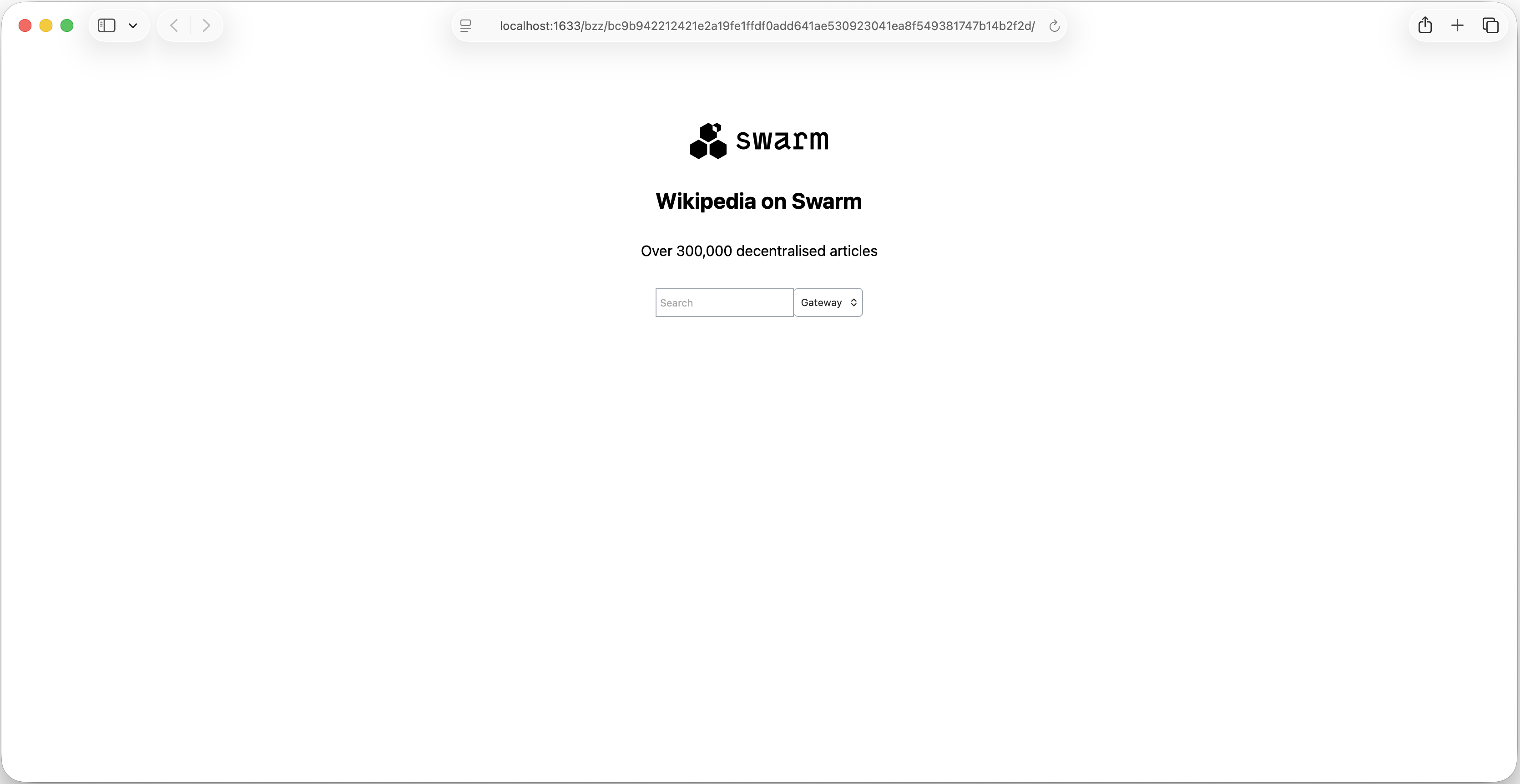
Access Content
Accessing content on Swarm using Swarm Desktop is easy. All you need to get started is the Swarm hash for the content you wish to access. Whenever content is uploaded to Swarm a Swarm hash is generated as a reference to that content.
To access content on Swarm go to the Files tab and click Download:
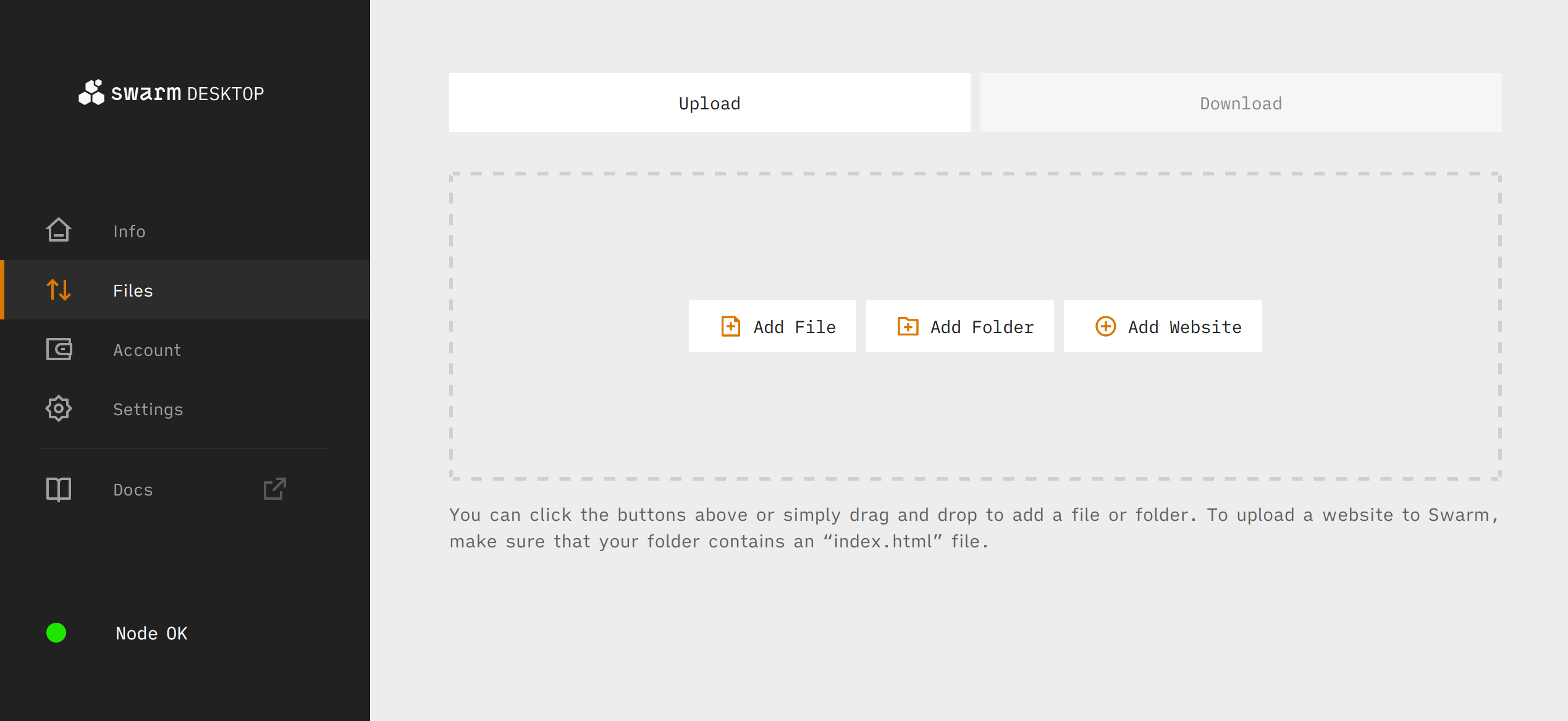
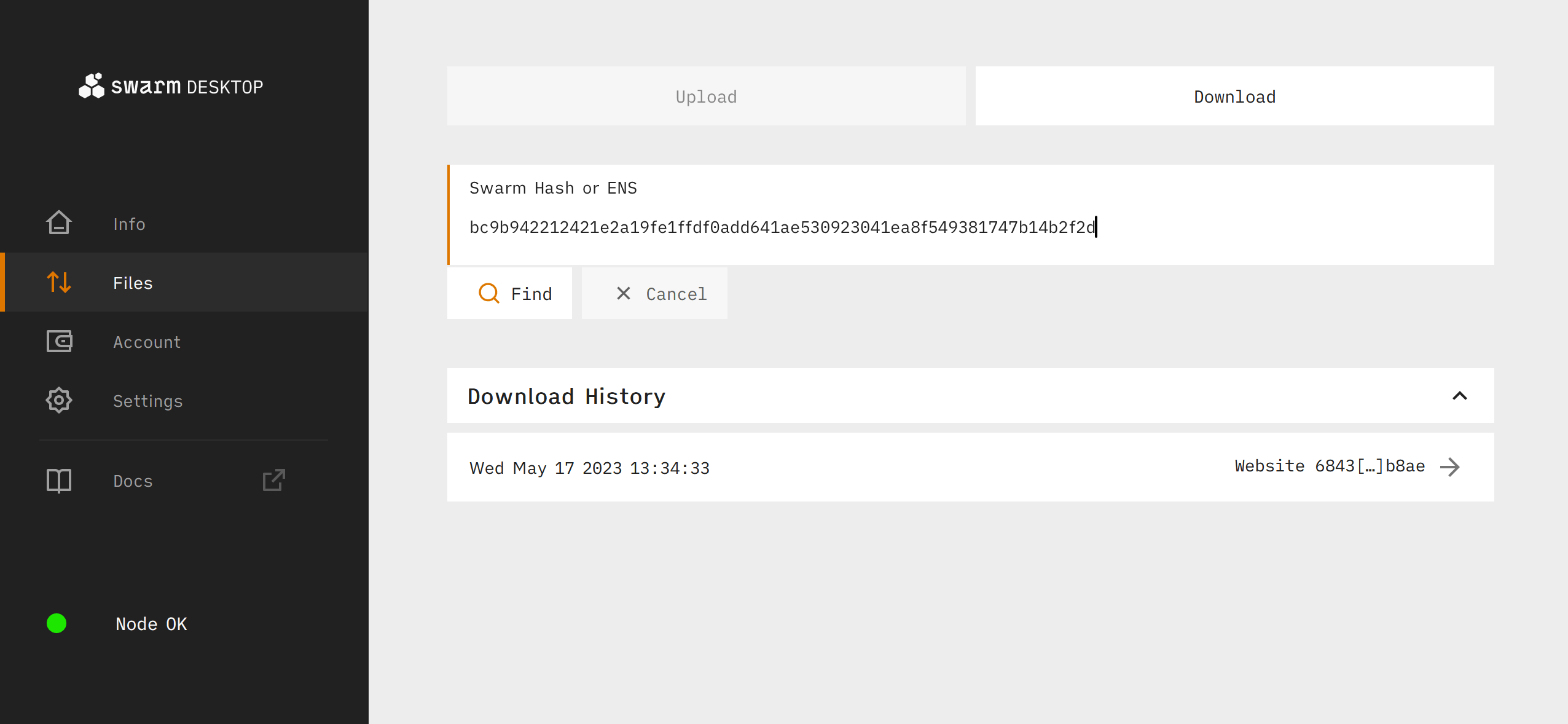
From there, paste the Swarm hash for the content you want to access, and click Find. We'll use the hash for a Swarm blog post explaining how to upload a website to Swarm:
bc9b942212421e2a19fe1ffdf0add641ae530923041ea8f549381747b14b2f2d
On the following screen you will see the data associated with the Swarm hash and see options for downloading (or browsing if it is a hash for a website):
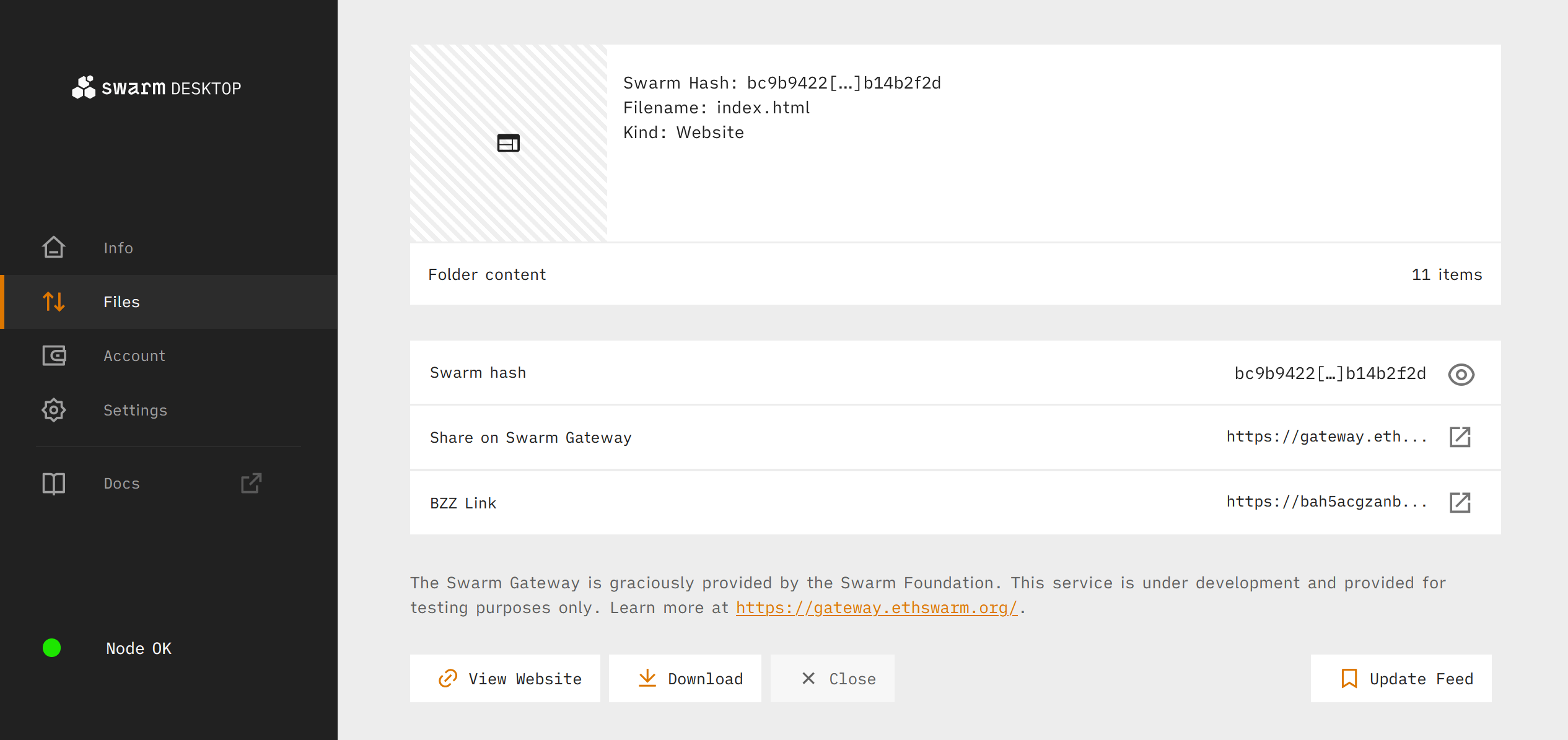
Click View Website to see the site in your browser, or Download to download the files: